Types of lanes in journey maps
Journey maps support multiple lane types to help you represent different kinds of information across each stage of the experience. Each lane serves a specific purpose, allowing you to structure journeys clearly and consistently.
Text lane
The Text Lane is a flexible space in your journey map where you can add extra context, notes, or explanations.

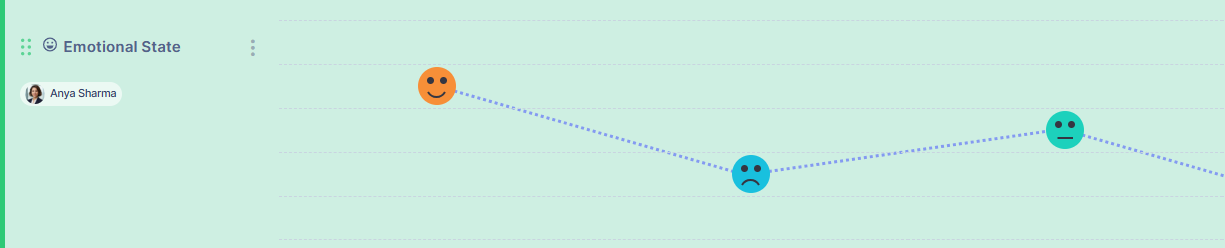
Experience lane
The Experience lane captures how users feel at each step of the journey. Use it to represent emotions or overall experience across stages.
Icon lane
The Icon lane lets you visually represent actions or states using icons. It helps make journey stages easier to scan and understand.

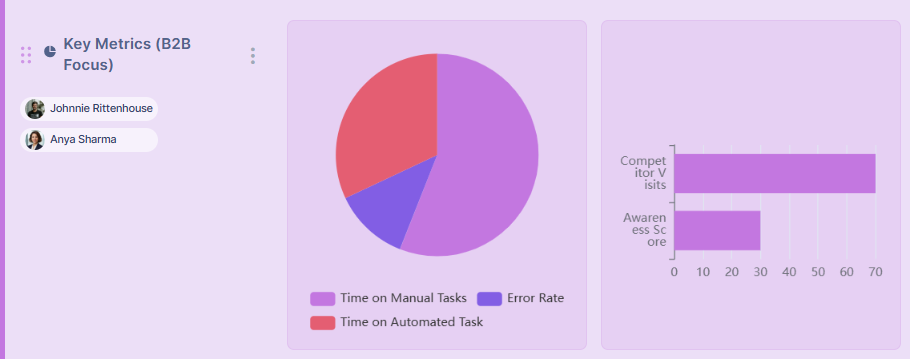
Chart lane
Use the Chart lane to display measurable data across the journey. This is helpful for showing trends, metrics, or performance indicators at each stage.
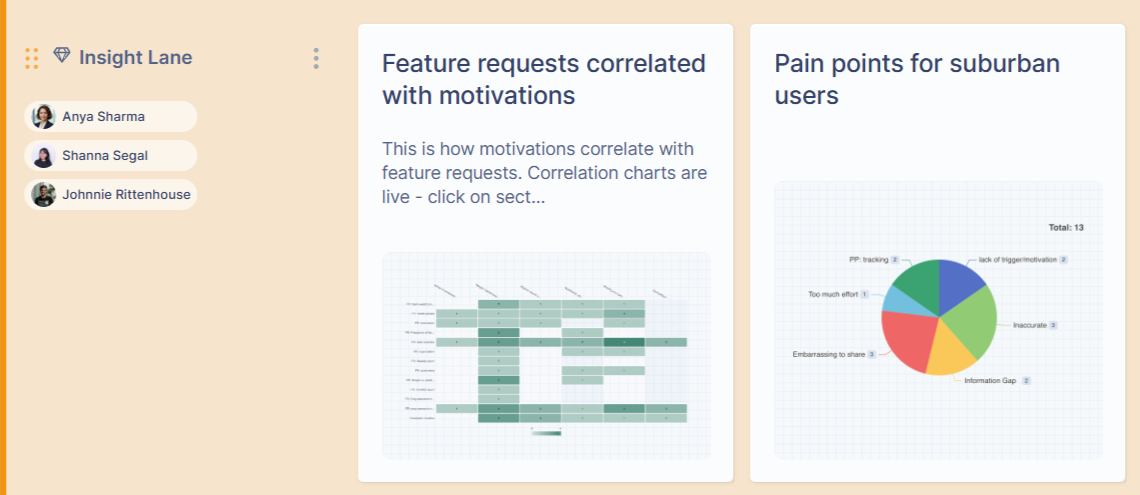
Insight lane
The Insight lane connects research findings directly to journey steps. Add insights from your research repository to provide evidence and context within the map.
Storyboard lane
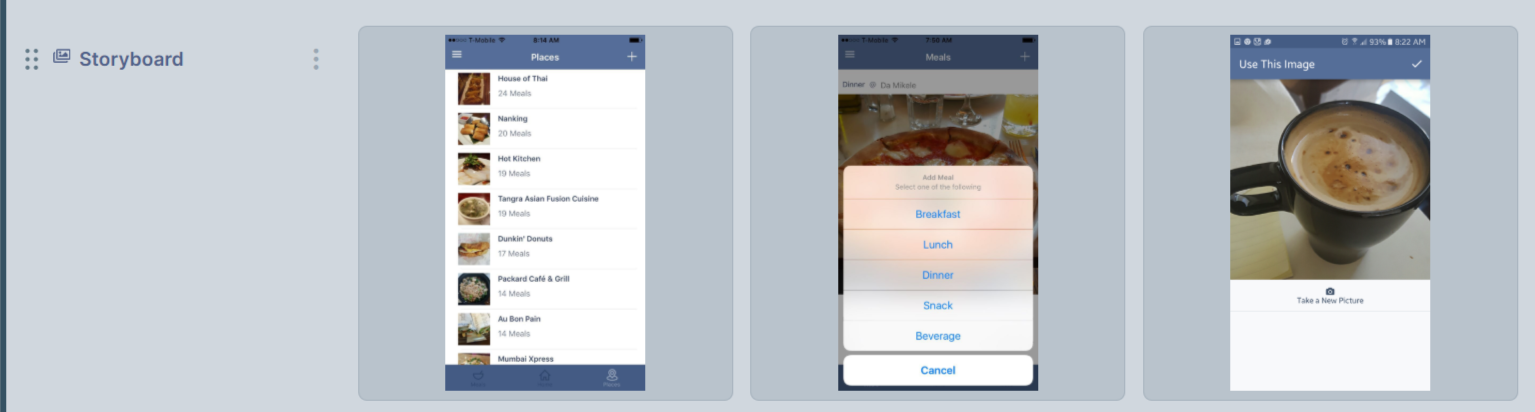
The Storyboard lane lets you illustrate the journey with images. This is useful for presenting scenarios or showing the experience visually.
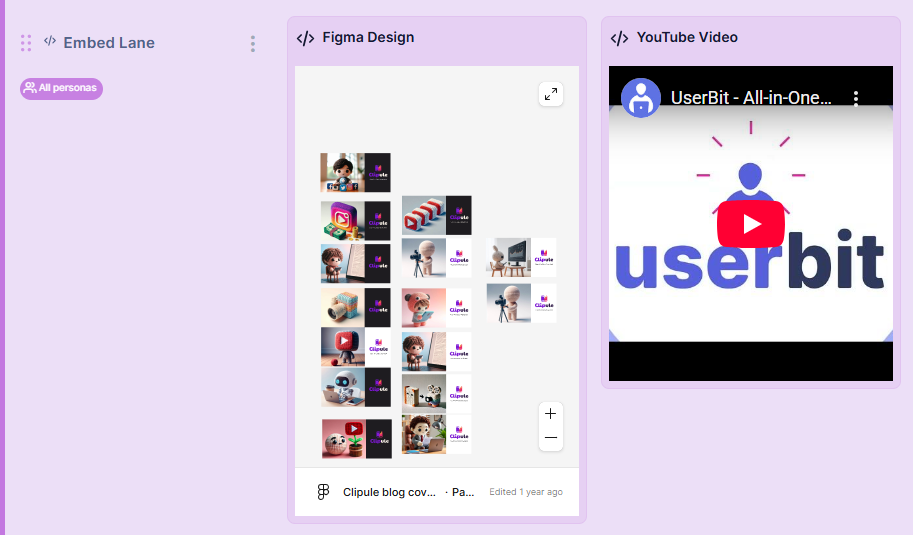
Embed lane
You can enhance journey maps by embedding external content directly into a dedicated Embed lane, keeping context and reference materials in one place.
Supported platforms like Figma, YouTube, Miro, and Google Sheets/Docs/Slides make it easy to add rich media or simple previews. This helps collaborators explore supporting content without cluttering the map.