Share and Publish
Share via link
You can share your Card Sort study results using a secure link.
This link gives view-only access to the results and can be shared outside the UserBit app. It’s useful when you want to send findings to stakeholders, clients, or team members who don’t have access to your workspace.

You can click on the action button on the study dashboard and then share results via link. Your secure link will be created.
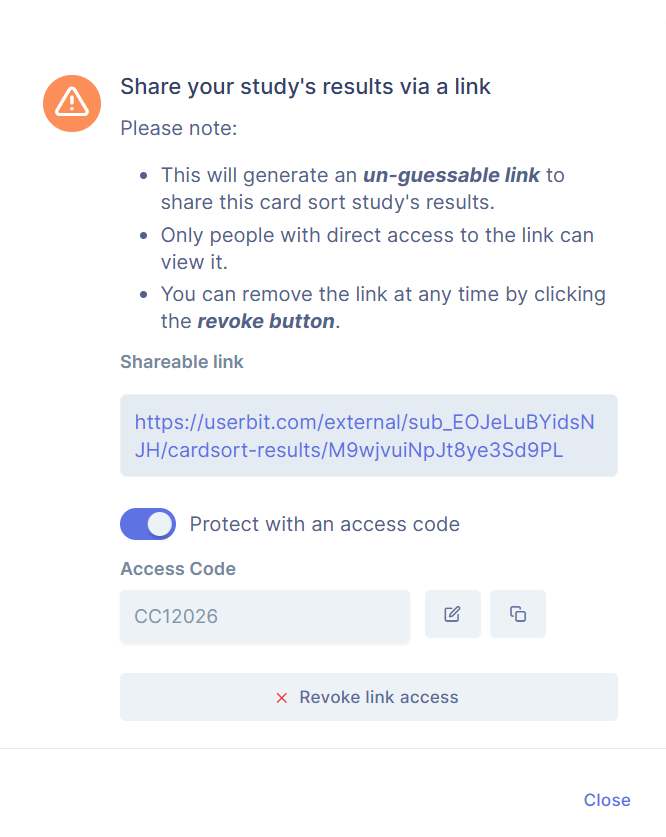
For additional security, you can protect the link with an access code. Anyone opening the link will need to enter the code before viewing the results.
You can revoke the link access any time from the Share section. This gives you full control over who can access your study results and when.
Export
If you’re on the Unlimited plan, you can export the results of your card sort study as offline files. This makes it easy to review the data in detail, share findings with stakeholders, or use the results for external analysis and reporting.
You can download the following files:
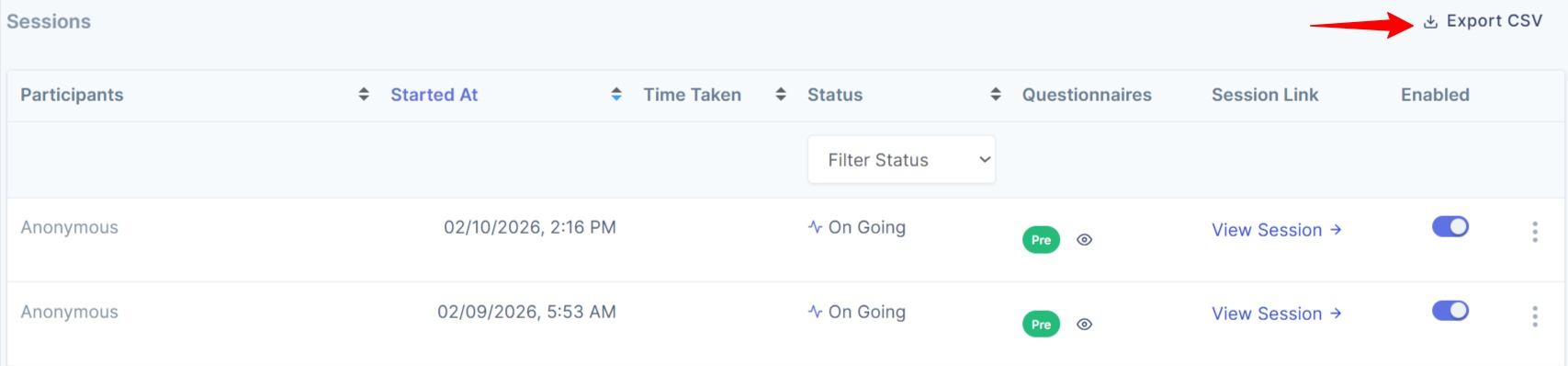
- Participants Sessions (CSV) - A complete record of how each participant sorted the cards during their session, including their pre-study and post-study responses.
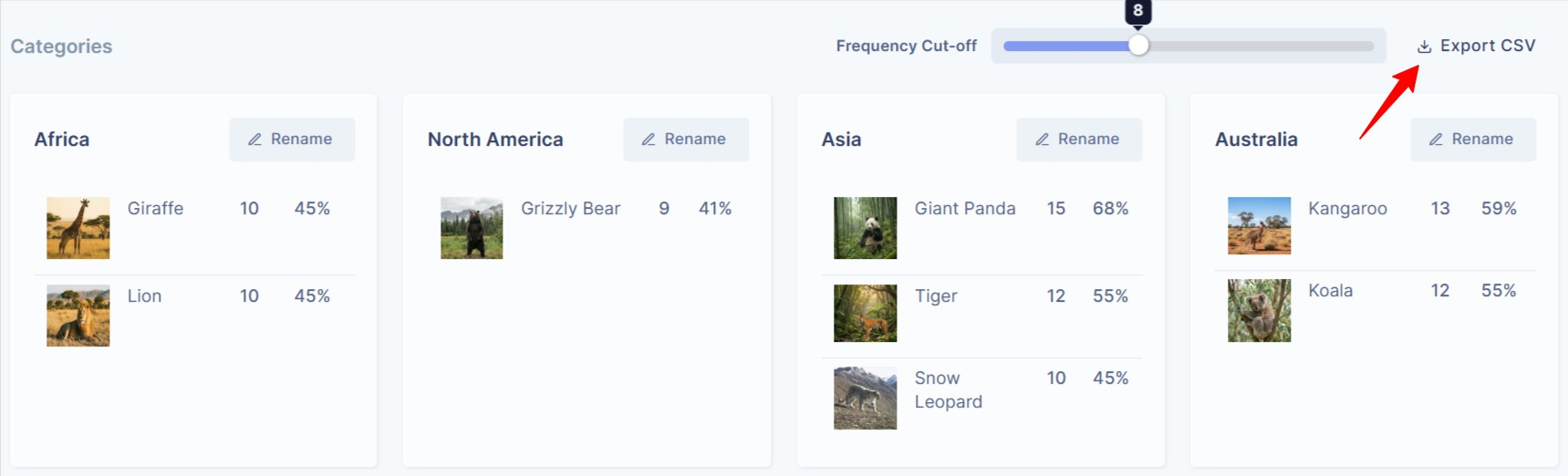
- Categories (CSV) - A structured list of all categories used or created in the study, along with the cards participants placed in each category.
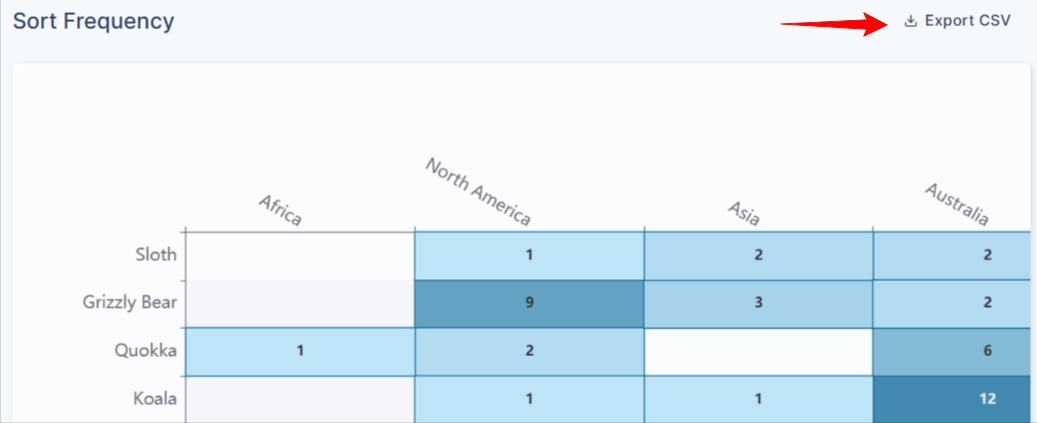
- Frequency Matrix (CSV) - A data table showing how often items were grouped together across participants.
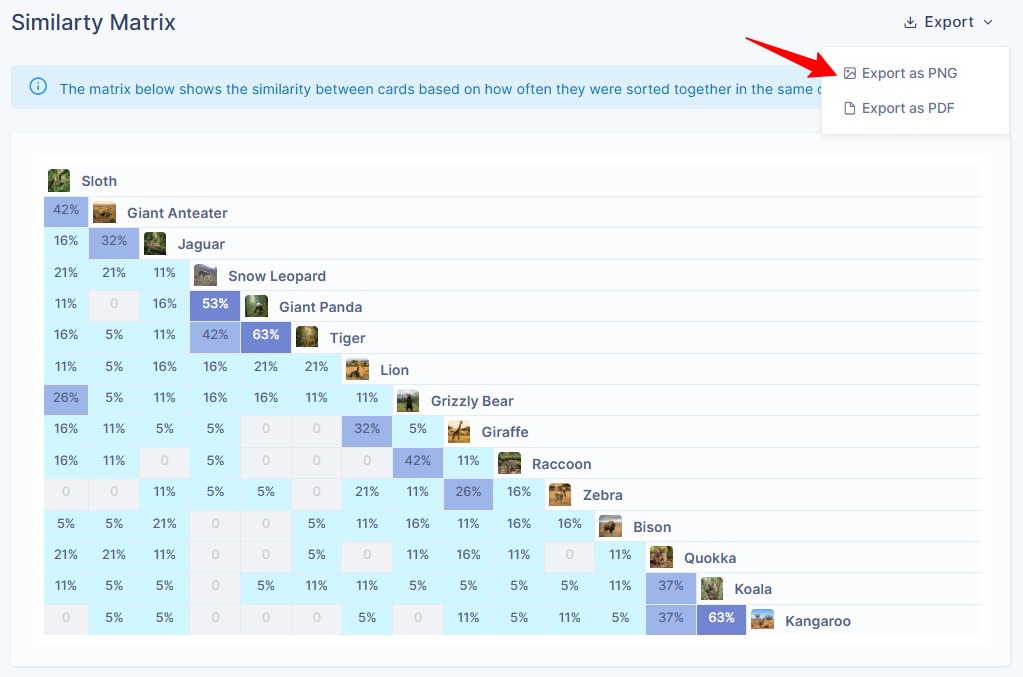
- Similarity Matrix (PNG & PDF) - A visual representation of how closely items are related based on participant groupings, available in both image and print-ready formats.
Client Portal
You can share study results through a separate portal built specifically for clients and stakeholders. Click here to learn more about publishing the studies to the Client Portal.
How Card Sort studies appear in Client Portal
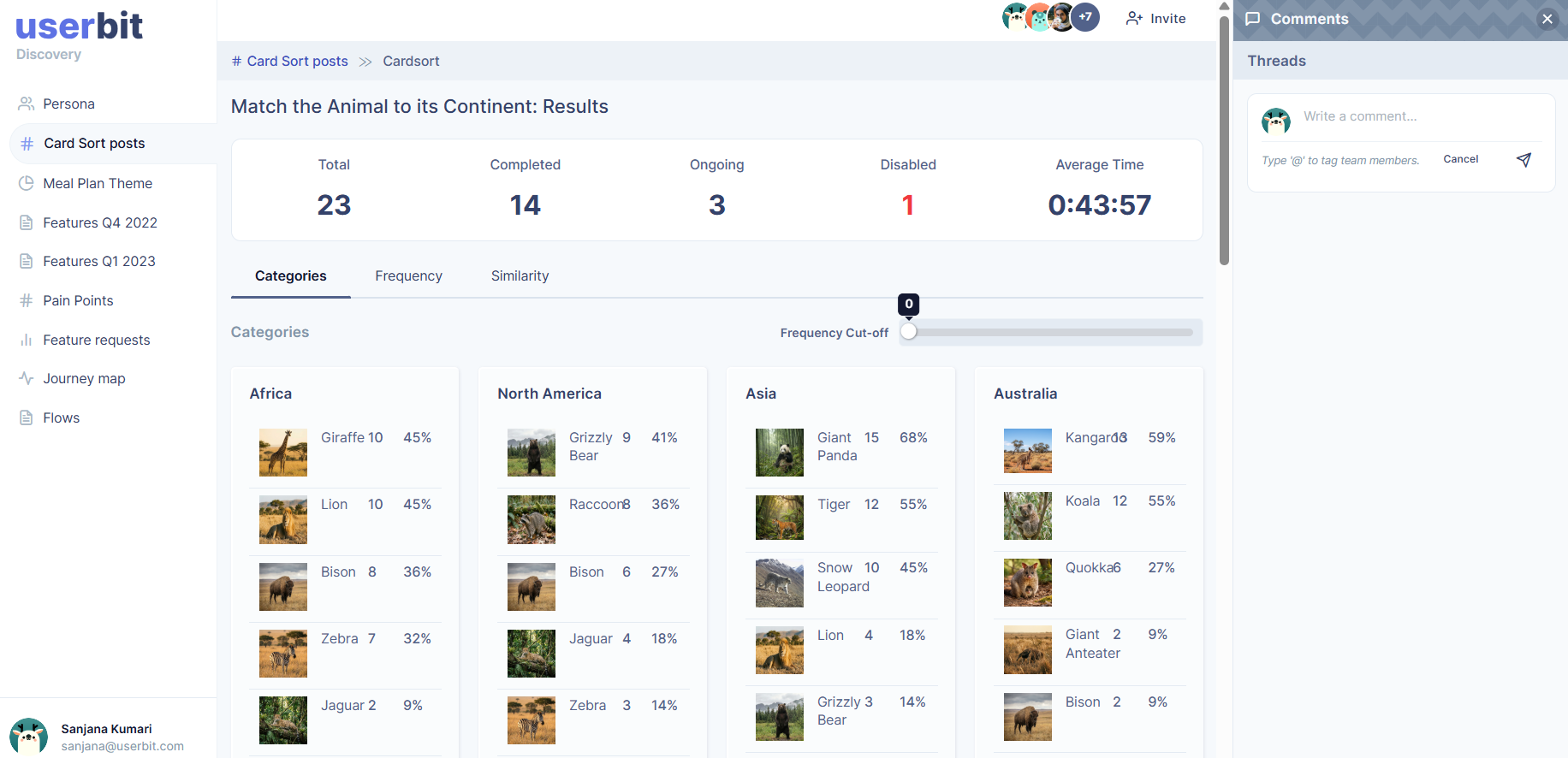
When a Card Sort study is shared, it is published as a post in the Client Portal. Stakeholders can open the study, review the results, and explore the analysis that you have made available.
If commenting is enabled, they can also share feedback or ask questions directly within the portal. This keeps communication organized and connected to the study itself.
You stay in control of what gets shared. Only the studies you explicitly send to the Client Portal will be visible there.