Let AI generate journey map templates instantly
Journey map by UserBit uses AI to help you create journey maps faster. Instead of starting from a blank canvas, you can generate a journey map template using AI by providing a few key inputs. This helps teams move quickly from idea to structure.
How it works
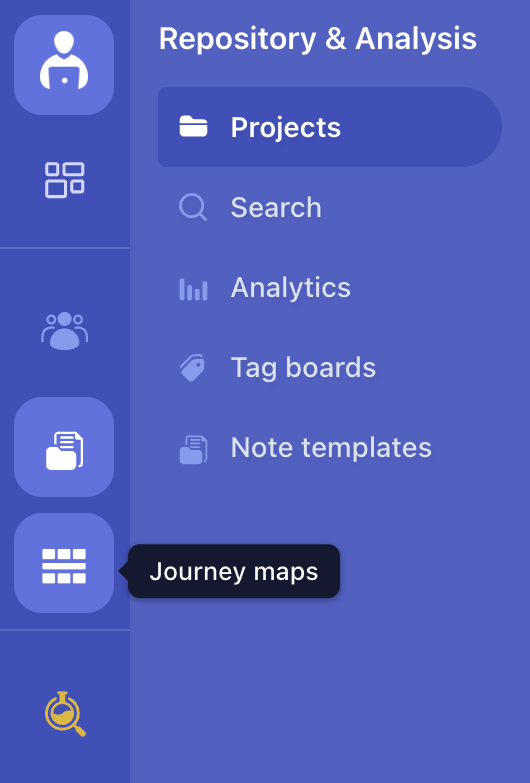
- Click on the Journey Map icon in the left sidebar of your workspace.
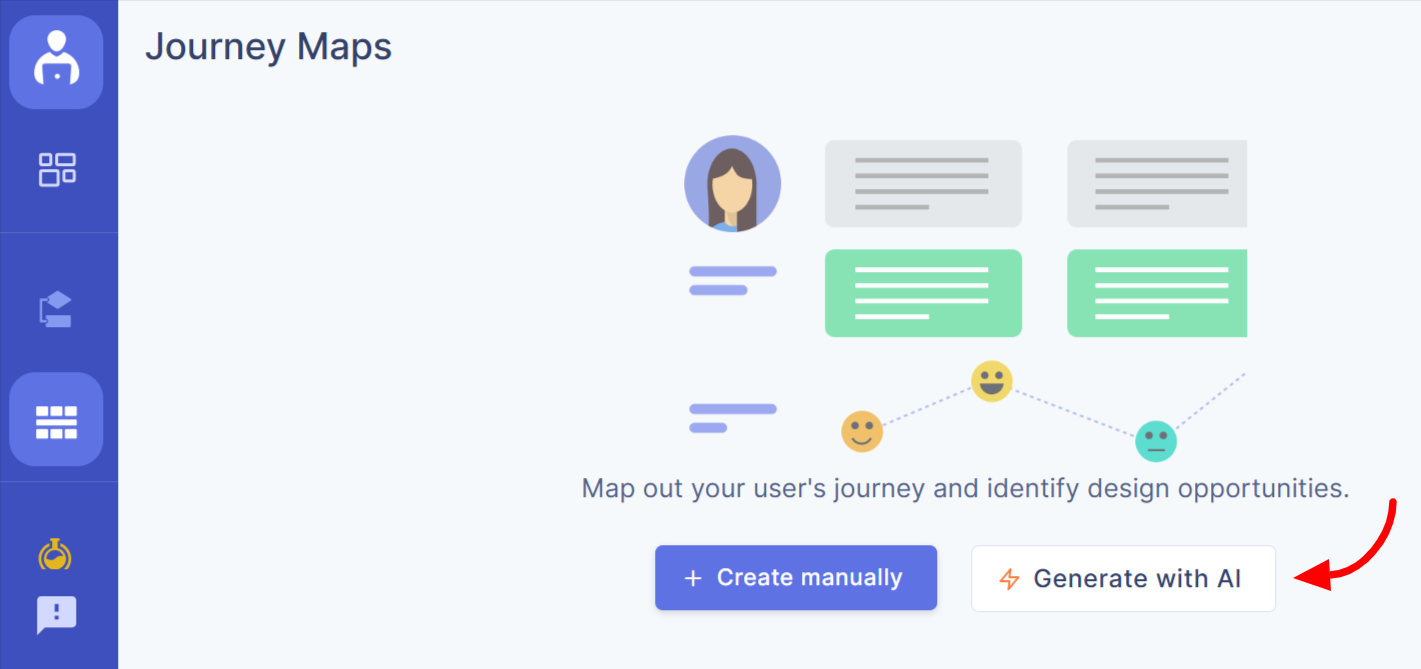
- On the Journey Map screen, click the Generate with AI option to start creating a new map.If you’re creating your first journey map, you’ll see the Generate with AI option directly on the screen.
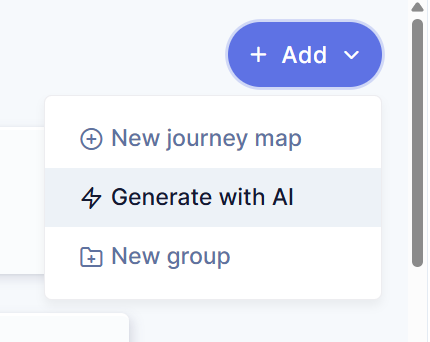
If you already have journey maps, you can click the “Add” button in the top right corner and then select Generate with AI from the dropdown menu.
- A form will appear. Provide the necessary details to help AI generate a relevant journey map:
-
Category (Required) – Choose the template category.
-
Use Case (Required) – Define the journey scenario (e.g., Purchase Journey, User Onboarding).
-
Industry (Optional) – Specify the industry for better contextual output.
-
Link to Persona (Optional) – Connect an existing persona or create a standalone journey.
These inputs guide AI in generating accurate stages, steps, and supporting content.
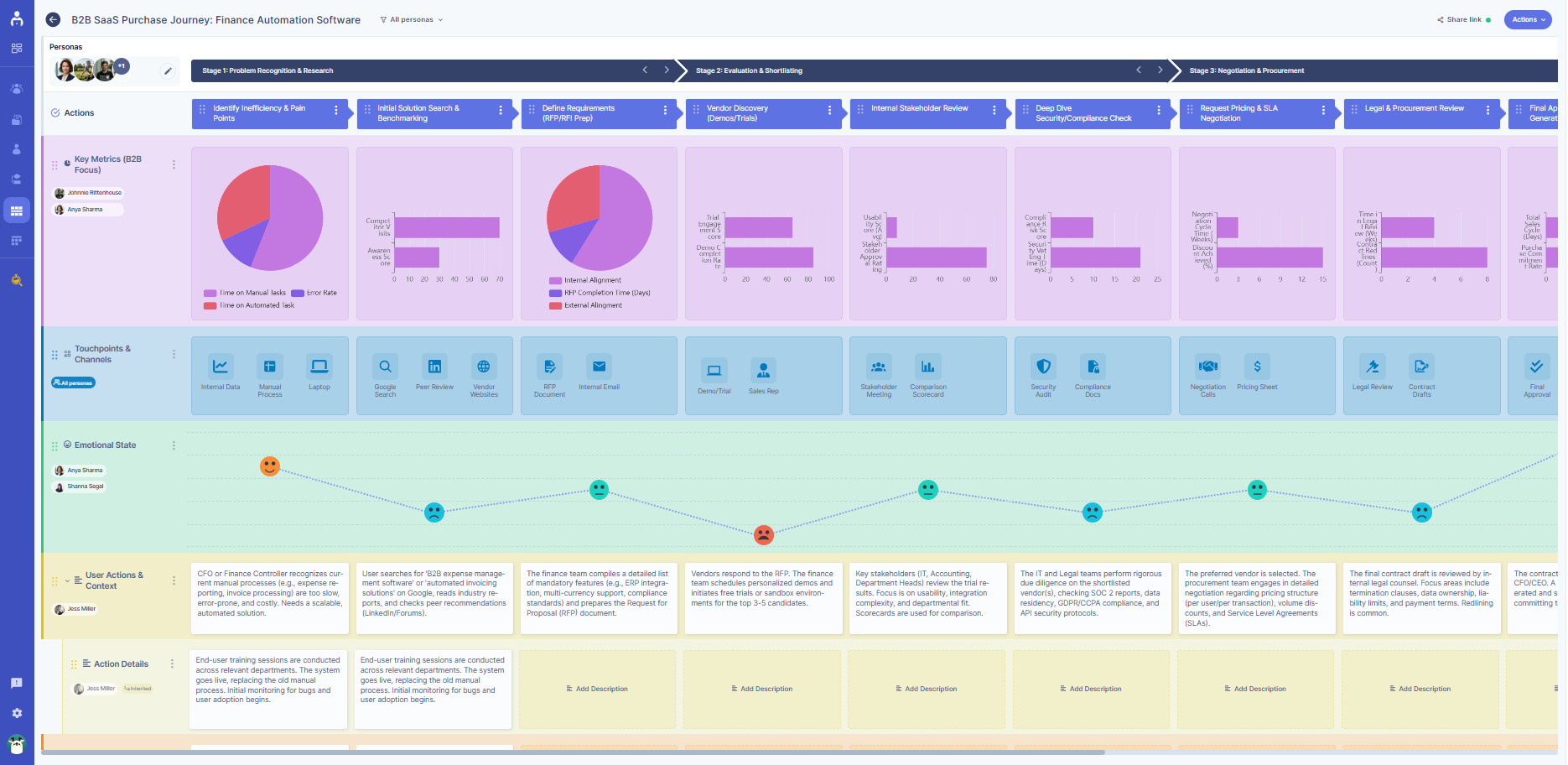
- AI automatically generates a journey map template for you. The generated template includes a structured layout that you can edit, expand, or customize further.
Why use AI-generated templates?
Using AI to create journey map templates helps you:
-
Save time setting up journeys
-
Avoid starting from a blank canvas
-
Get a structured base you can refine with personas and insights
-
Keep journey maps consistent across projects
AI helps you focus on improving the experience, not building the structure from scratch.
Generate a journey map from a persona
You can also generate a journey map directly from an existing persona.
How it works
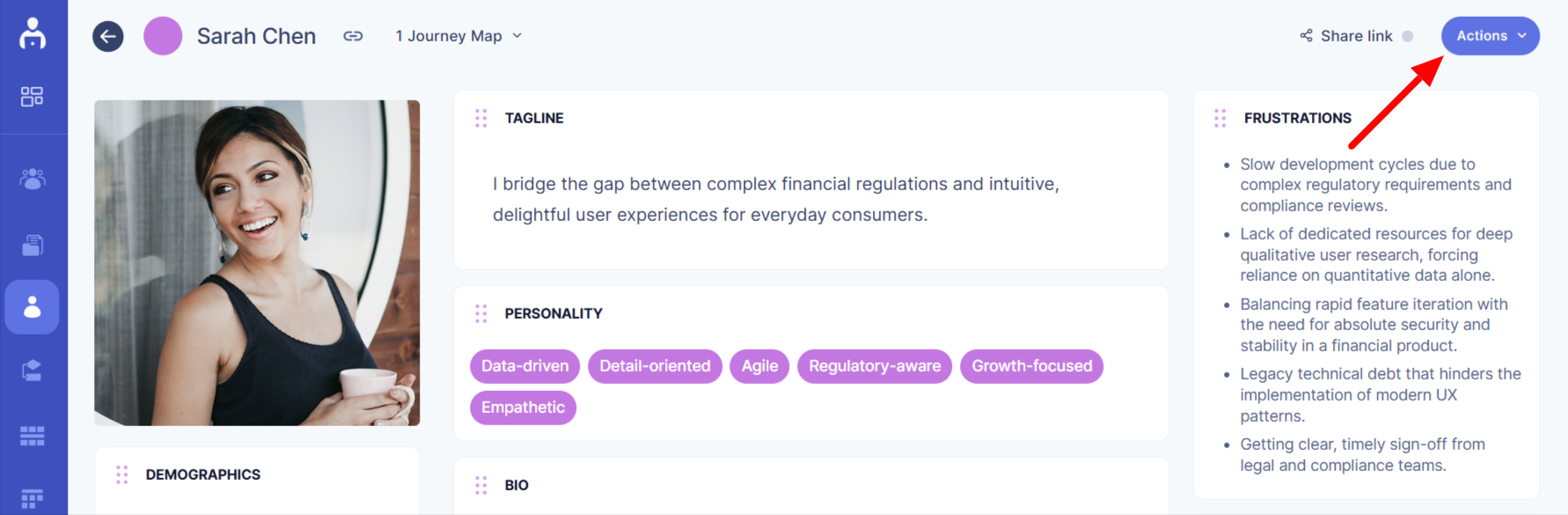
- Open the persona, click on the action button in the top right corner of the persona.
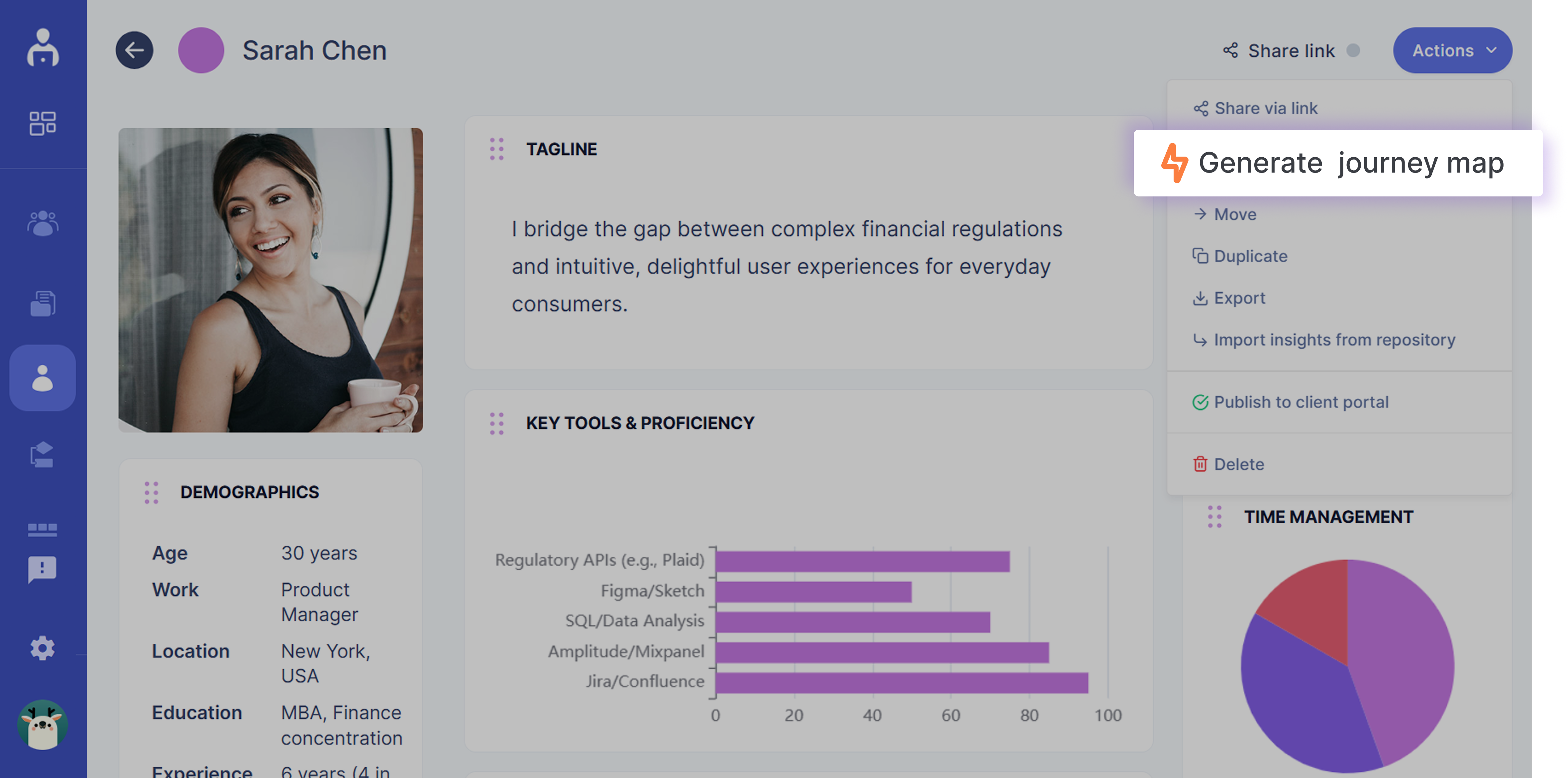
- Select generate journey map from the dropdown menu.
- AI will create a relevant, prepopulated journey map template based on that persona’s goals, structure, and pain points.
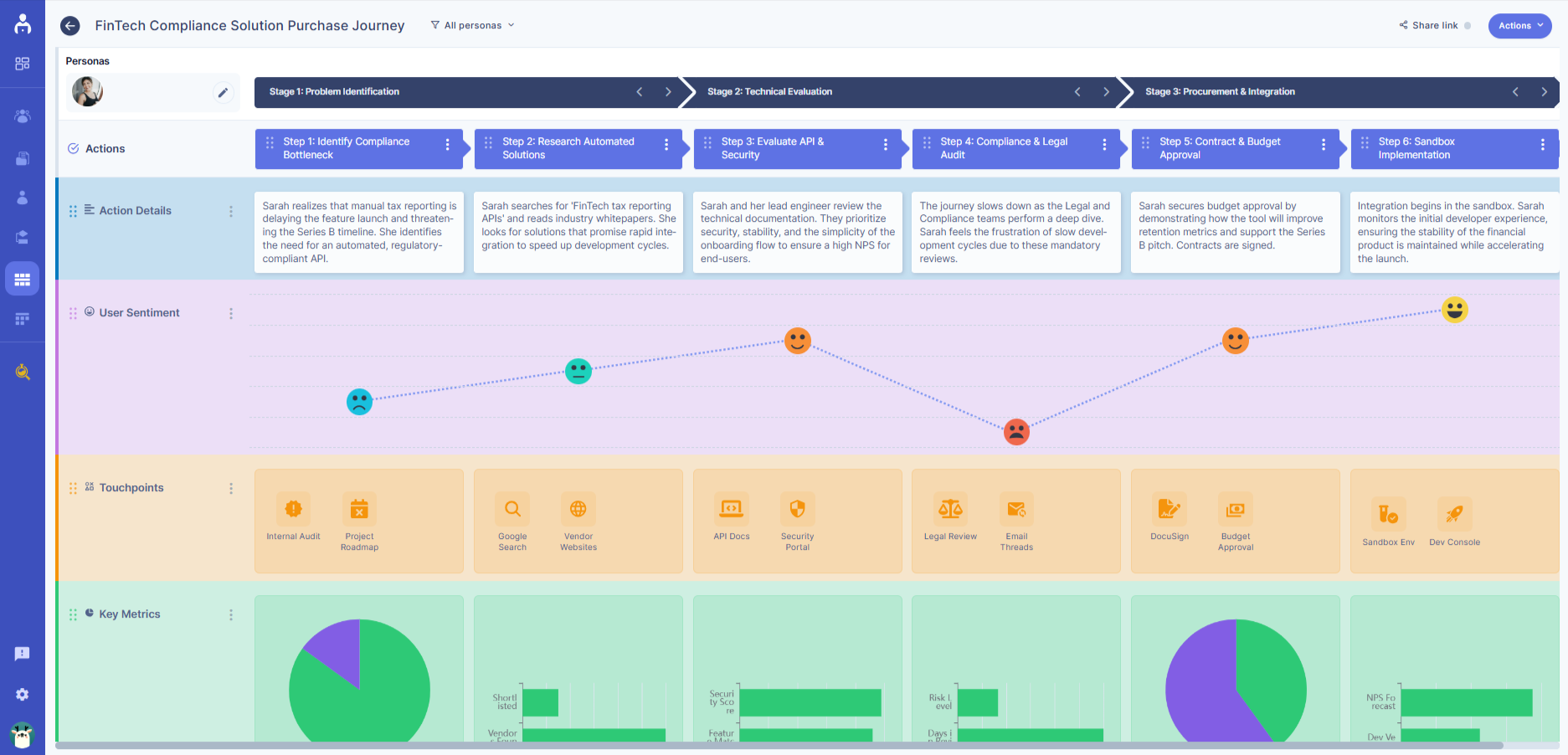
This ensures your journey maps stay aligned with real user context while reducing setup time.