Let AI generate flow templates instantly
Flows by UserBit allows you to automatically create AI-generated flow diagram templates by providing a few key inputs. AI builds the flow with relevant steps and connections, giving you a ready-to-use starting point. This helps you save time and quickly visualize workflows without building everything manually.
How it works:
- Open Flows in your workspace.
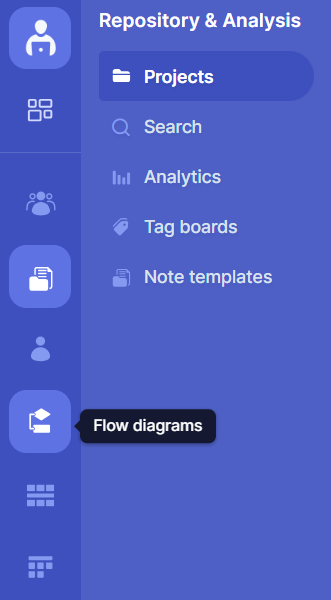
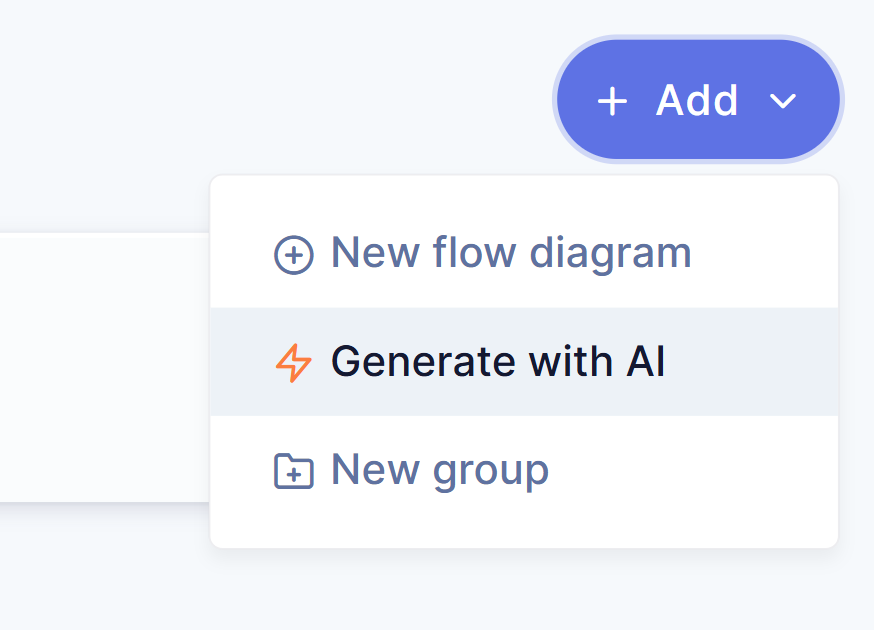
- Click on the Generate with AI option. If you’re creating your first flow diagram, you’ll see the Generate with AI option directly on the screen.

If you already have flows, you can click the “Add” button in the top right corner and then select Generate with AI from the dropdown menu.
-
Describe the process, workflow, or system you want to diagram in the flow description box.
-
AI automatically generates a flow diagram template for you.
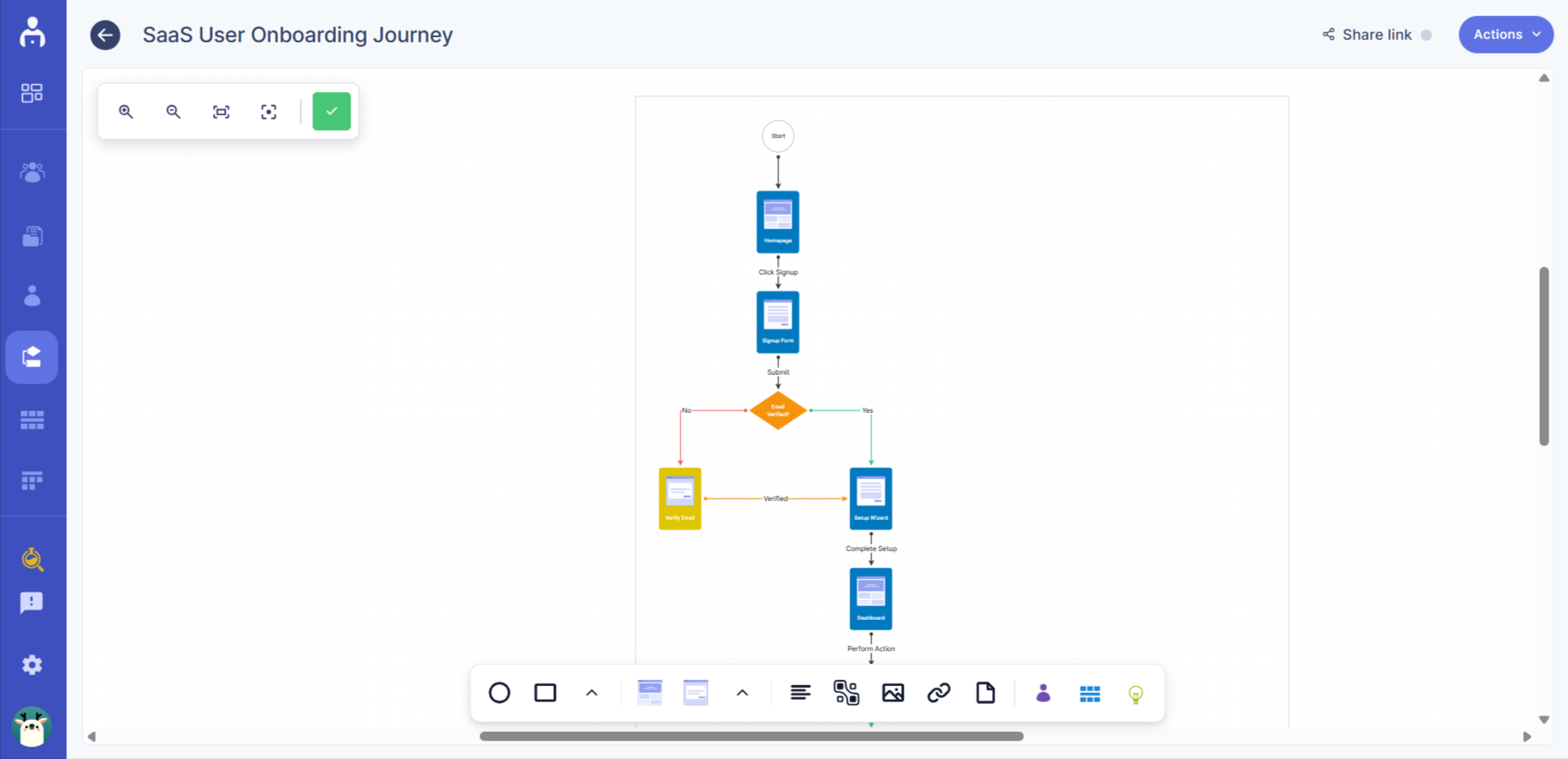
AI will create a structured flow template with relevant steps and connections based on your inputs. You can then edit and refine the flow as needed.
Optimize layout
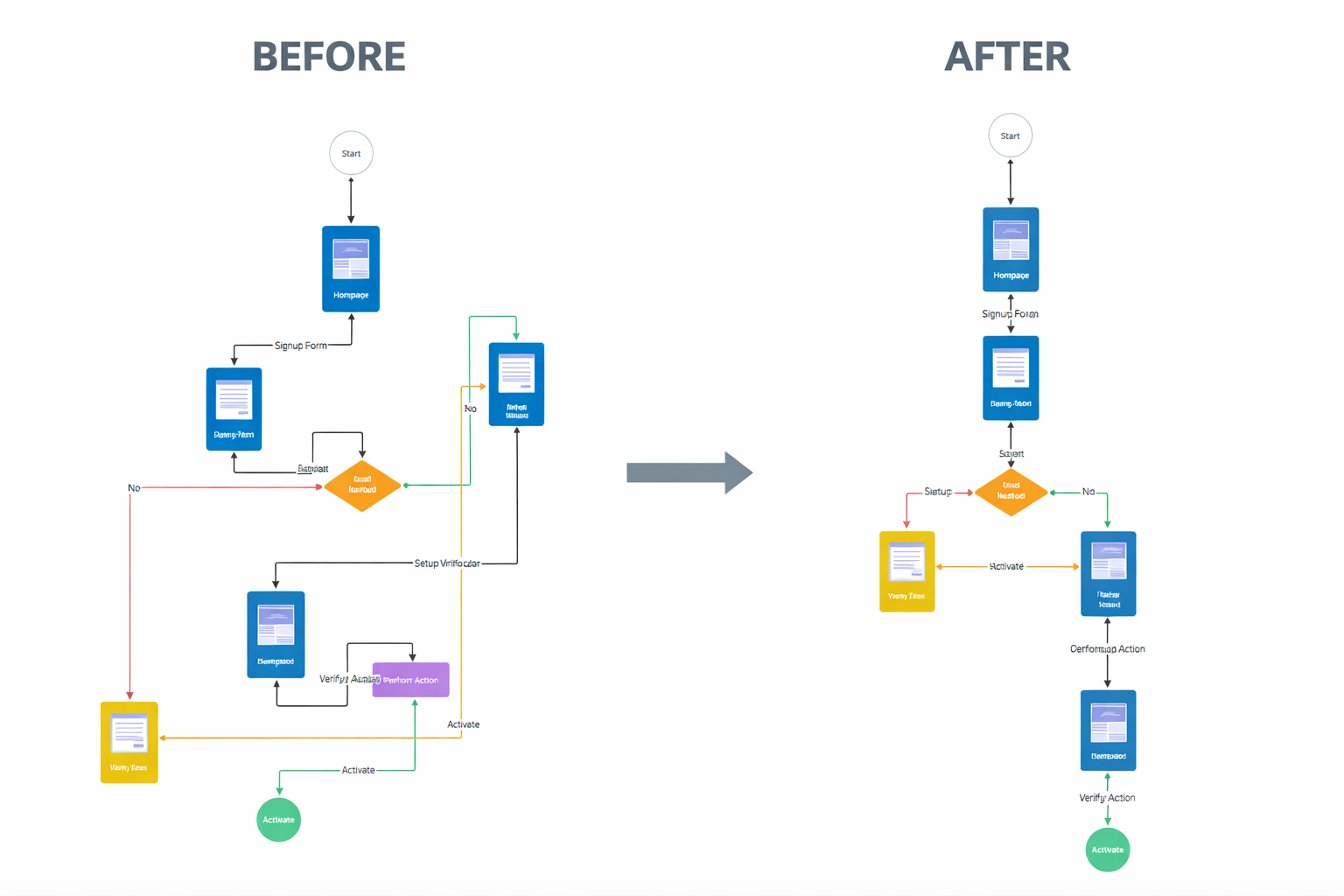
Optimize layout uses AI to organize and align your flow diagram for better clarity automatically. It cleans up spacing and structure so your flow becomes easier to read and presentation-ready in one click.
To optimize a flow layout:
-
Find the flow you want to optimize.
-
Click the three-dot (⋮) menu of that flow diagram.

- Select Optimize layout from the dropdown menu.
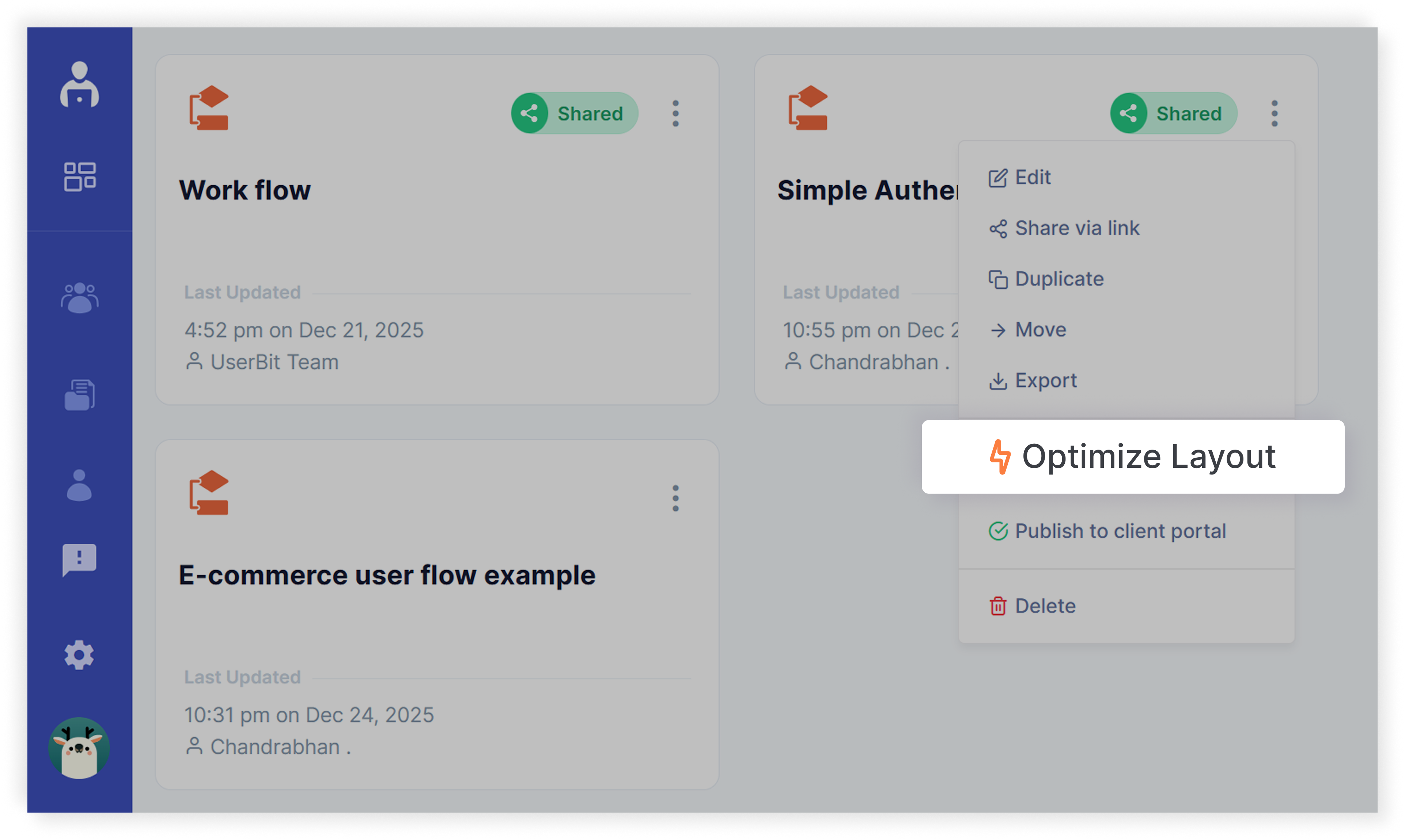
AI will automatically align, organize, and clean up the flow elements, making the diagram structured and presentation-ready.