Manage Flow Diagrams in UserBit
Manage flows on your terms
You can turn the Flow diagram package on or off in your workspace at any time using a single toggle. When the package is enabled, Flows are added to your workspace and become available for use. When disabled, Flows are removed from the workspace and no longer accessible.
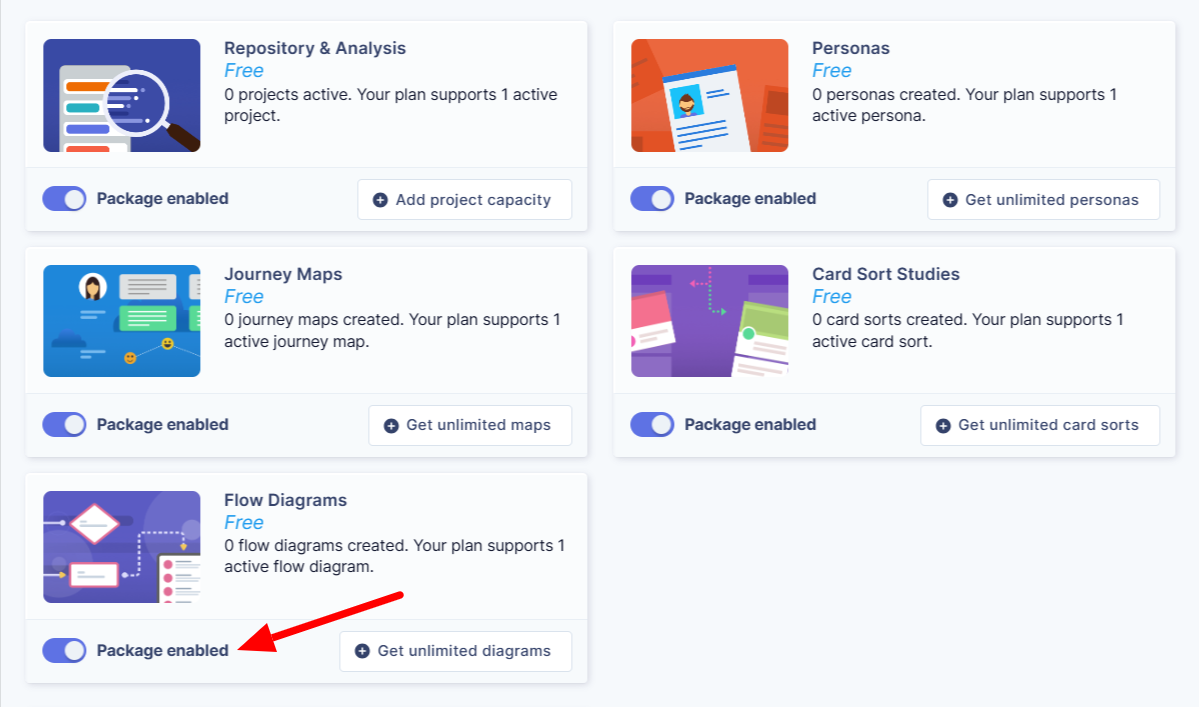
Learn more about configuring your workspace.

Once the Flow package is enabled, the Flows feature is automatically added to your workspace. You’ll see a new Flows section appear in the navigation area, making it easy to access and create flow diagrams.
Free plan vs Unlimited plan
Your ability to create and manage journey maps depends on your subscription plan. Understanding these differences helps you know what to expect and when to consider upgrading.
Asset | Free | Unlimited |
Flow diagram | 1 Active flow diagram (unlimited inactive flows for upto 6 months) | Unlimited flow diagrams |
Team Members | Unlimited | Unlimited |
AI Automations | 5 | 10 / month |
Client Portal | No | Yes |
Trash functionality | No | Yes |
Integration with other UserBit tools | No | Yes |
Export | No | Yes |
Trash/Recover
On the Unlimited plan, deleted flow diagrams aren’t removed permanently right away. Instead, it’s moved to trash, giving you a safety window of 15 days from the time of deletion to recover it.

How the trash functionality works:
-
When a flow diagram is deleted, it remains in the trash for 15 days from the time of deletion.
-
During this period, you can restore the flow diagram at any time.
After 15 days, the flow is permanently deleted and can no longer be recovered.

This restore feature protects your work from accidental loss and gives you a safety net when managing complex projects. If a flow diagram is no longer required, you can permanently delete it from the trash.