Manage participants in card sorts
Create individual session links for the participants
If you are on the unlimited plan, you can add participants to your card sort study directly from the CRM. This allows you to quickly select existing contacts and assign them to a study without entering their details again.
To learn how to manage participants and add them from the CRM, click here.
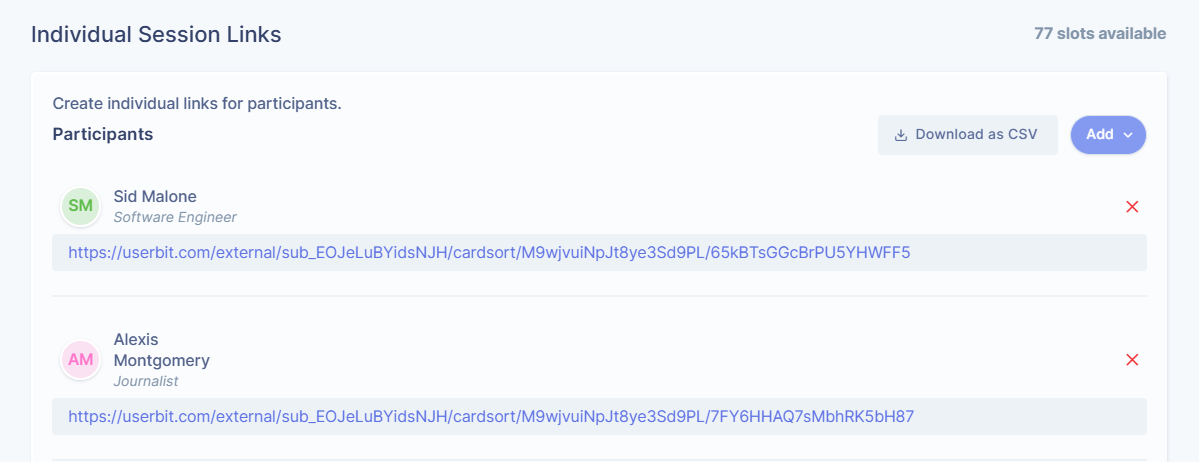
Share study sessions with anonymous participants
If you don’t want to create individual session links, you can share your Card Sort study using a public link.
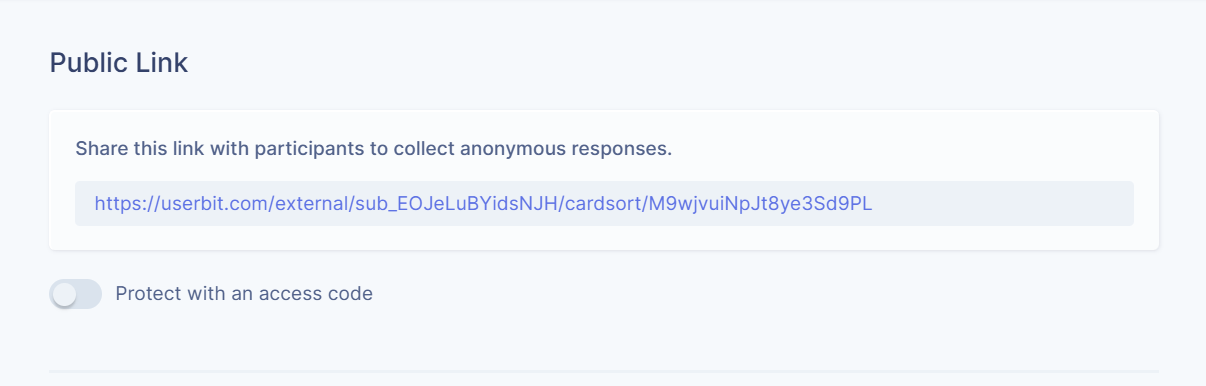
This option generates a shareable link that you can send to multiple participants. Anyone with the link can access the study.
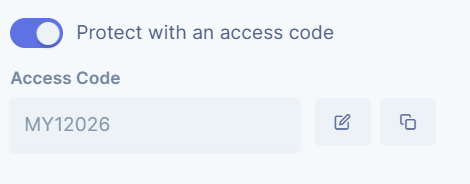
To control access, you can protect the link with a password. Only participants who have the password will be able to start the study. You can enable or disable the access code anytime from the Participants section.
Sharing studies via links is helpful when you’re recruiting openly, running quick tests, or sharing the study with a broader audience without managing participants one by one.