

10 UX Discovery Questions to Kickstart Your Design Process
Have you ever tried starting a UX project only to realize halfway through that you’re missing critical information? It’s frustrating for sure. But the good news is that it’s avoidable.
That’s where a solid UX discovery process saves the day. By asking the right questions upfront, you’ll avoid confusion and deliver exactly what’s needed.
Here are 10 essential questions to ask during your UX discovery phase that’ll make your life (and your team’s) so much easier.
1. “What problem are we trying to solve?”
Every project starts with a problem, but it’s surprising how often that problem isn’t clearly defined. Start by getting clients to explain the issue in their own words. A vague response like “We need a redesign” isn’t helpful — dig deeper to understand the actual pain point.
For instance, it could read, “Our checkout process is confusing, and users are abandoning their carts at a high rate.”
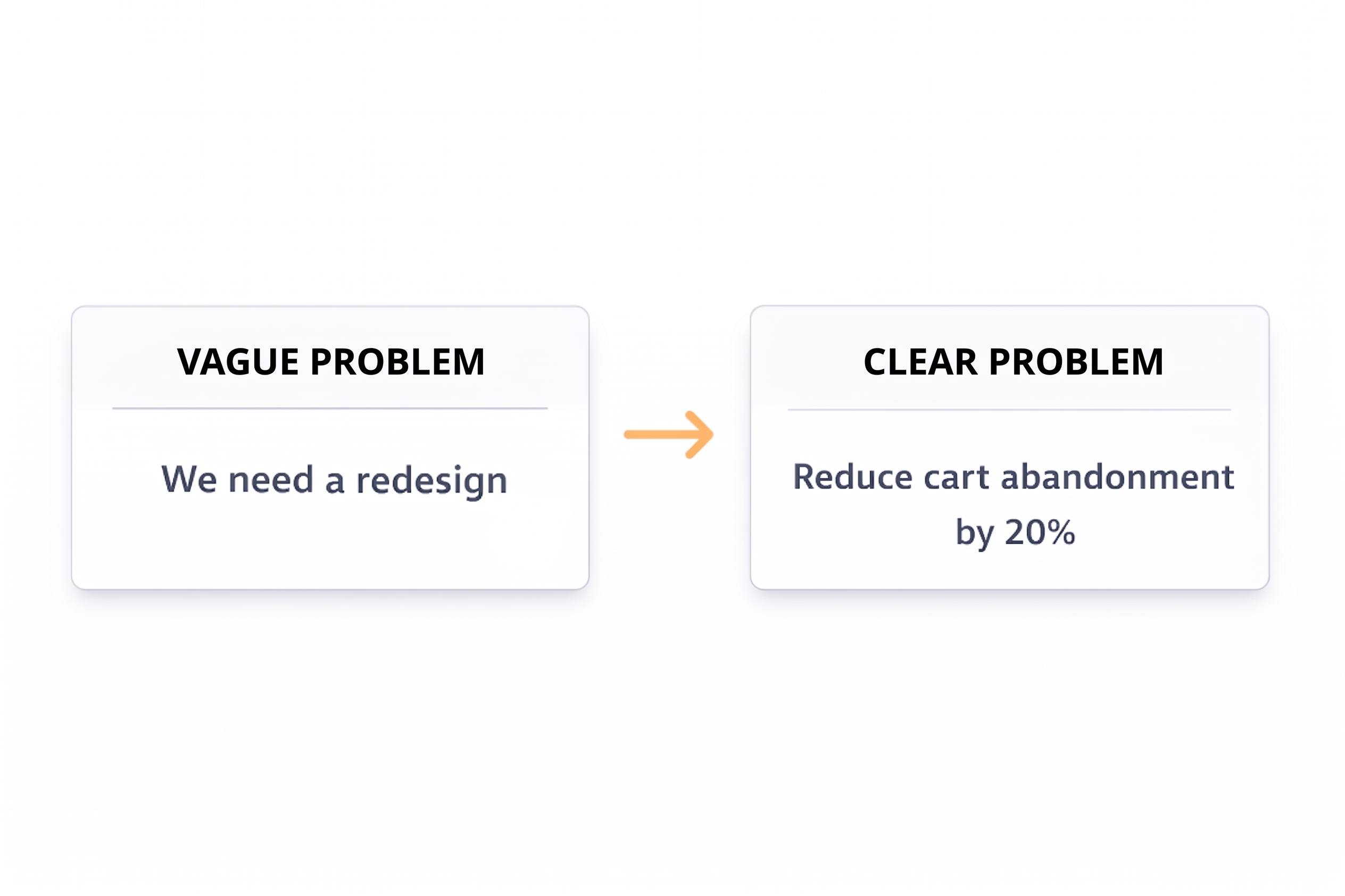
Once you have this clarity, turn it into a problem statement your team can work with: “We need to reduce cart abandonment by 20% by simplifying the checkout flow.” This statement gives your team direction and a measurable goal.
2. “Who are the end-users, and what do they need?”
Knowing your audience is non-negotiable. When asking about the end users, steer your clients and people on your team away from generalizations like “everyone.” Instead, prompt them to think about the specific groups who rely on the product most.
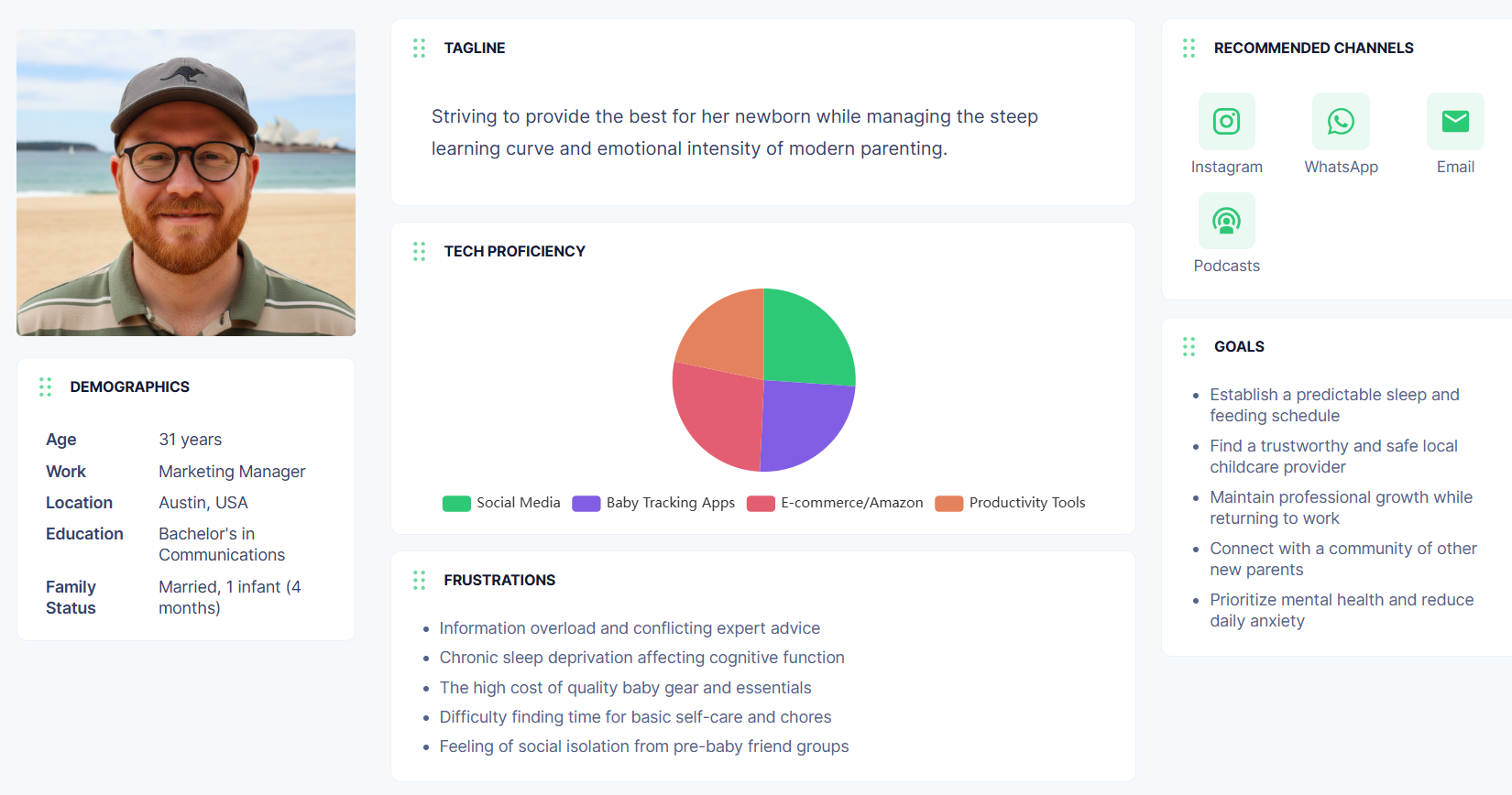
Perhaps first-time parents looking for baby care tips need quick, digestible content and a simple interface. Creating personas based on these user groups helps ground your design decisions and keeps the focus where it matters.
These user personas will also make it easier to empathize with your users throughout the project.
3. “What are the key goals and objectives of this project?”
Every UX project needs a clear purpose, so ask everyone involved what success looks like to them. Push past vague objectives like “make it better” and instead, encourage measurable goals.
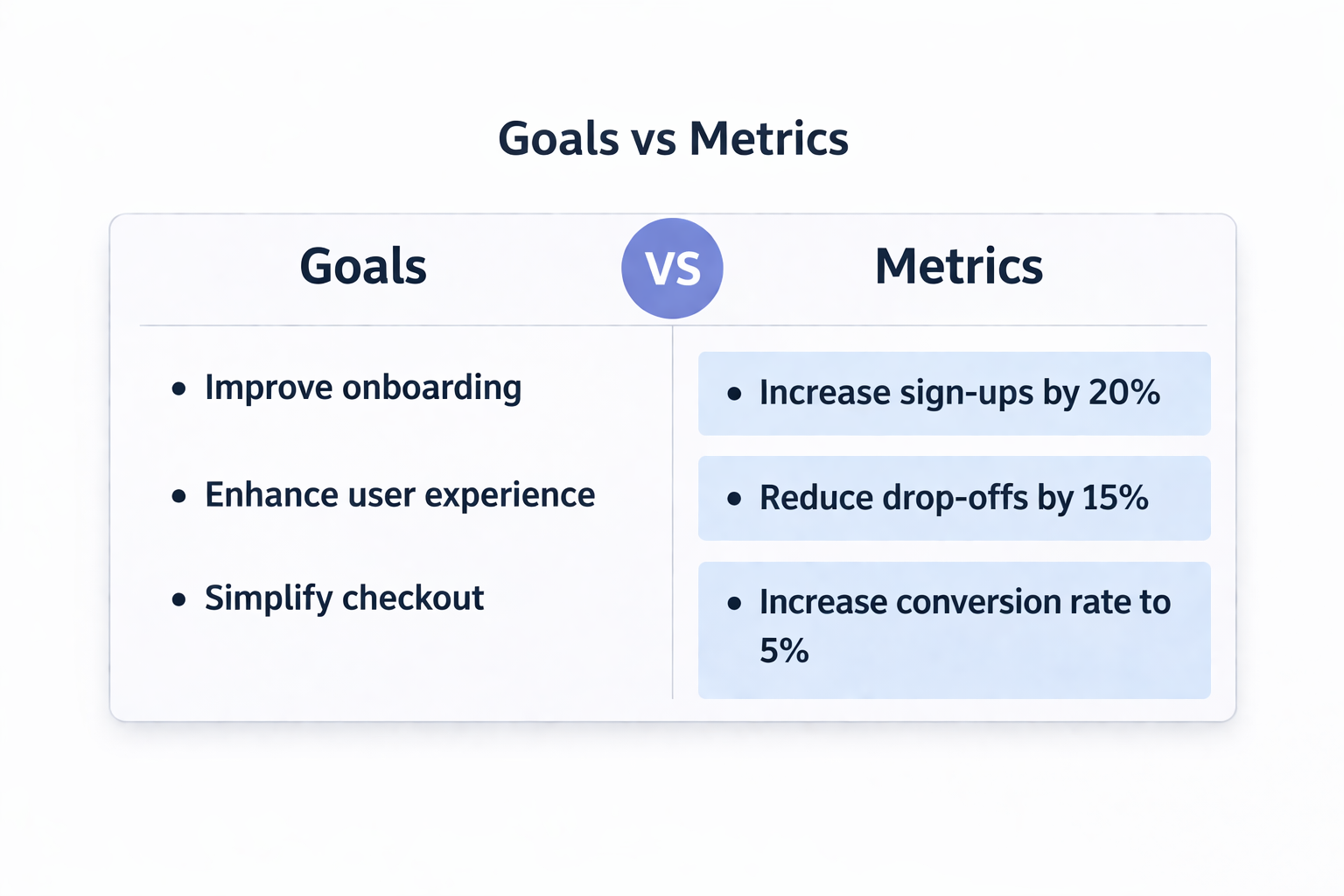
A goal like “improve onboarding to increase sign-ups by 20%” is specific, actionable, and tied to business outcomes. Once you have these objectives, break them down into smaller tasks.
For instance, to boost sign-ups, you might simplify registration forms, introduce social logins, or optimize the welcome email sequence.
4. “What are the success metrics for this project?”
Success is only meaningful when you can measure it. After defining the project’s goals, ask how progress will be tracked.
For instance, if the goal is to improve conversion rates, metrics like “Increase conversion rate from 2% to 5% in six months” make it easy to gauge impact.
Consider metrics that align with both user experience and business outcomes, like Net Promoter Score (NPS), task completion rates, or customer retention.
5. “What are the major constraints we need to keep in mind?”
Every project has limitations, and understanding them early helps you prioritize. Budget, timelines, and technical requirements are the usual suspects.
For example, if you’re working with an eight-week deadline, you’ll need to focus on quick wins and high-impact changes. Constraints might feel like obstacles, but they also force creativity and encourage a laser-focused approach.
6. “What’s the competitive landscape like?”
Studying your competition is an essential part of discovery. Ask your clients and team members about the main competitors and what they think those companies are doing well or poorly.
For example, if competitors’ apps are visually stunning but lack usability, you can identify an opportunity to stand out with a more intuitive interface. Understanding the competitive landscape helps you position your product more effectively and gives your team valuable context for decision-making.
7. “How does this project align with the overall business strategy?”
UX doesn’t exist in a bubble. To create designs that truly matter, you need to understand how this project fits into the company’s larger goals.
For instance, if the business is trying to attract more Gen Z users, your design choices might include bold aesthetics, mobile-first functionality, and social media integration.
Showing how your work ties back to the business strategy will also strengthen client buy-in and collaboration.
8. “Who are the key stakeholders, and how involved will they be?”
Clients are integral in shaping a project’s success. Early on, identify who needs to be involved and clarify their roles.
For example, the marketing team might provide input on messaging, while the product team has the final say.
Regular communication with these stakeholders ensures alignment and prevents surprises down the road. Also, building these relationships can make feedback sessions smoother and more productive.
9. “What assumptions are we making?”
Assumptions are sneaky — they can creep into projects without anyone realizing it. So, ask your clients or team members what they believe to be true about the users, product, or market.
For instance, an assumption might be that users prefer video tutorials over written guides. Test these assumptions early to avoid wasting time and resources. By framing assumptions as hypotheses, you can validate them through research and data.
10. “What resources or tools are available to us?”
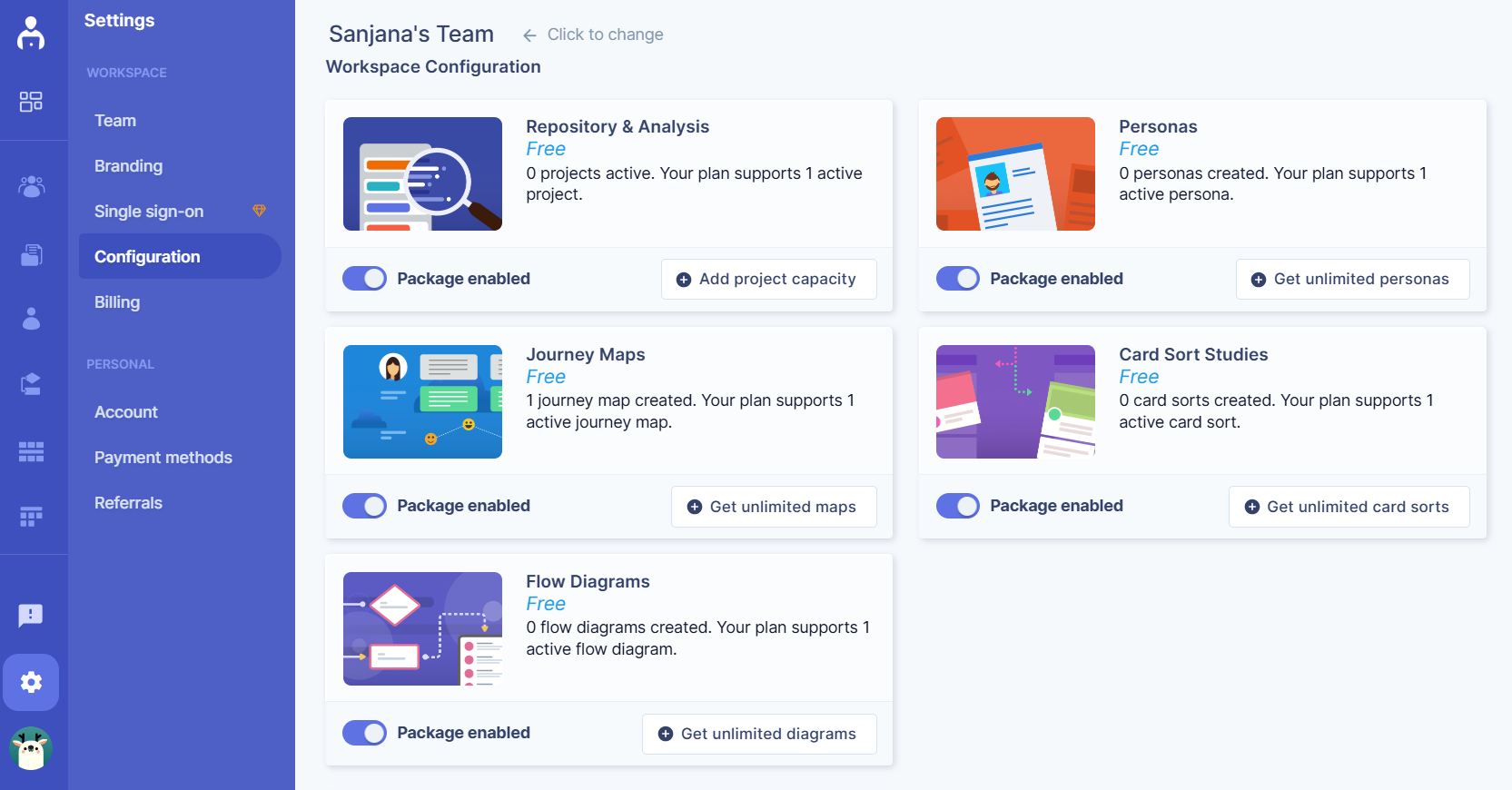
Before diving into a project, take stock of what’s already available. Are there existing user personas, analytics reports, or tools like UserBit that can streamline research? Leveraging these resources not only saves time but also ensures the team is building on a strong foundation.
For instance, if there’s a repository of past user feedback, analyzing it can reveal recurring themes or pain points to address in the project.
To wrap up
The right questions open doors to alignment, collaboration, and innovation. By taking the time to dig deep during this phase, you’re setting the stage for a project that’s not only user-centered but also strategically sound.
To make this process even smoother, consider using UserBit. Our platform simplifies your UX discovery by helping you organize research, track insights, and collaborate with your team all in one place.
From mapping out user personas to keeping clients and stakeholders in the loop, Personas by UserBit is built to keep your discovery phase seamless and efficient.