

Why You Should Audit Your User Flows
Why do users sometimes drop off right when they’re about to finish a task? Why does a feature that seems “so obvious” to your team confuse new users? Or why does a part of your product attract repeated support tickets?
All these questions point to one simple truth: something in your user flow isn’t working the way you expect. A user-flow audit helps you uncover exactly where things break and what needs to change so the journey feels smooth and effortless.
Let’s break down 7 simple reasons you should audit your user flows — and how each reason directly improves your product.
1. It forces you to get clear about what you’re actually analysing
Most teams talk about UX issues in broad terms like “users are dropping off” or “onboarding feels confusing.” The problem is that these statements are too vague to act on. A user-flow audit pushes you to break things down and get specific. It makes you ask simple but important questions, such as:
-
Which exact user journey are we focusing on?
-
Where does it start and end?
-
What does success look like for this one flow?
-
What numbers or behaviours show whether users are succeeding or struggling?
When you answer these questions, the fog lifts. You stop thinking about the entire product at once and instead zoom in on one clear flow.
For example, “Fix onboarding” is huge and unclear. But “Increase how many users complete step 3 of onboarding” is targeted and measurable.
Why this matters:
Without defining the flow, you end up guessing and trying to fix everything at once — which usually fixes nothing. A clear scope helps your team focus on improvements that actually move the needle. A user-flow audit gives structure, direction, and clarity, so each decision you make has a real, measurable purpose.
Once you’ve defined the exact flow you’re analysing, the next logical step is mapping it visually.
Not sure where to start? Here’s a simple guide on how to create a clear user-flow diagram.
2. You see the real user journey instead of the one you imagined
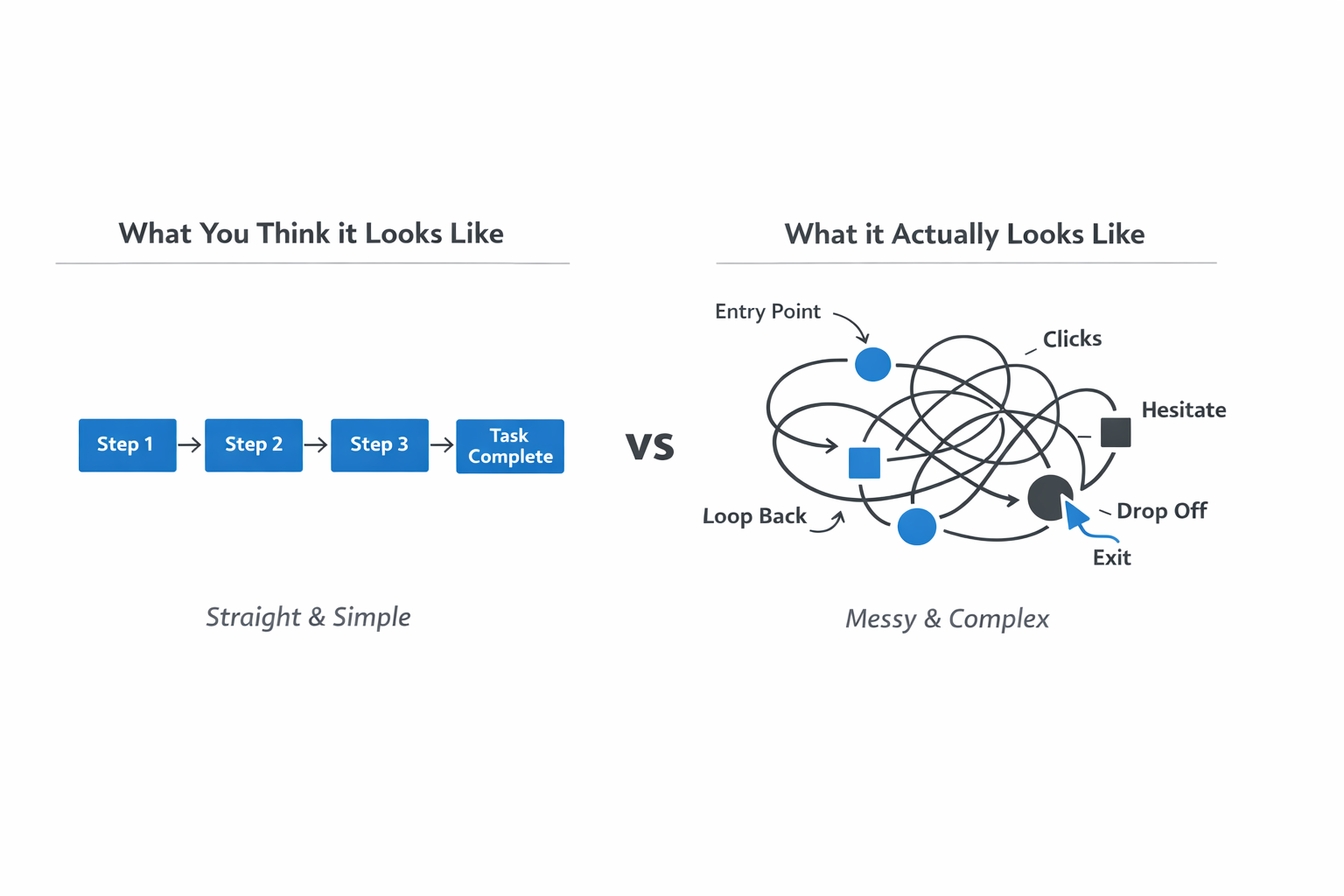
Most teams believe they know how users move through their product. They assume the flow is straightforward: users start at step one, move smoothly through each screen, and complete the task as intended. But when you actually map the current user flow, you often discover something very different.
A user-flow audit helps you lay out every step a user takes — including the ones you didn’t realise were part of the journey. This includes where they enter, what they click, where they hesitate, where they loop back, and where they drop off. When you visualise this, you start to see the real path your users take, not the path you hoped they would take.
Why this matters:
When you rely on assumptions, you overlook the hidden steps, confusing screens, and unexpected detours that users face. Mapping the real flow shows you exactly where things go off track. This clarity helps you understand what needs fixing and why users behave the way they do.
3. You learn how users actually behave, not how you expect them to
One of the biggest surprises teams face is discovering that users rarely behave the way the team imagined. You might think a step is obvious, a button is clear, or a flow is smooth — but your users often see things completely differently.
A user-flow audit helps you understand real behaviour by combining two types of insights:
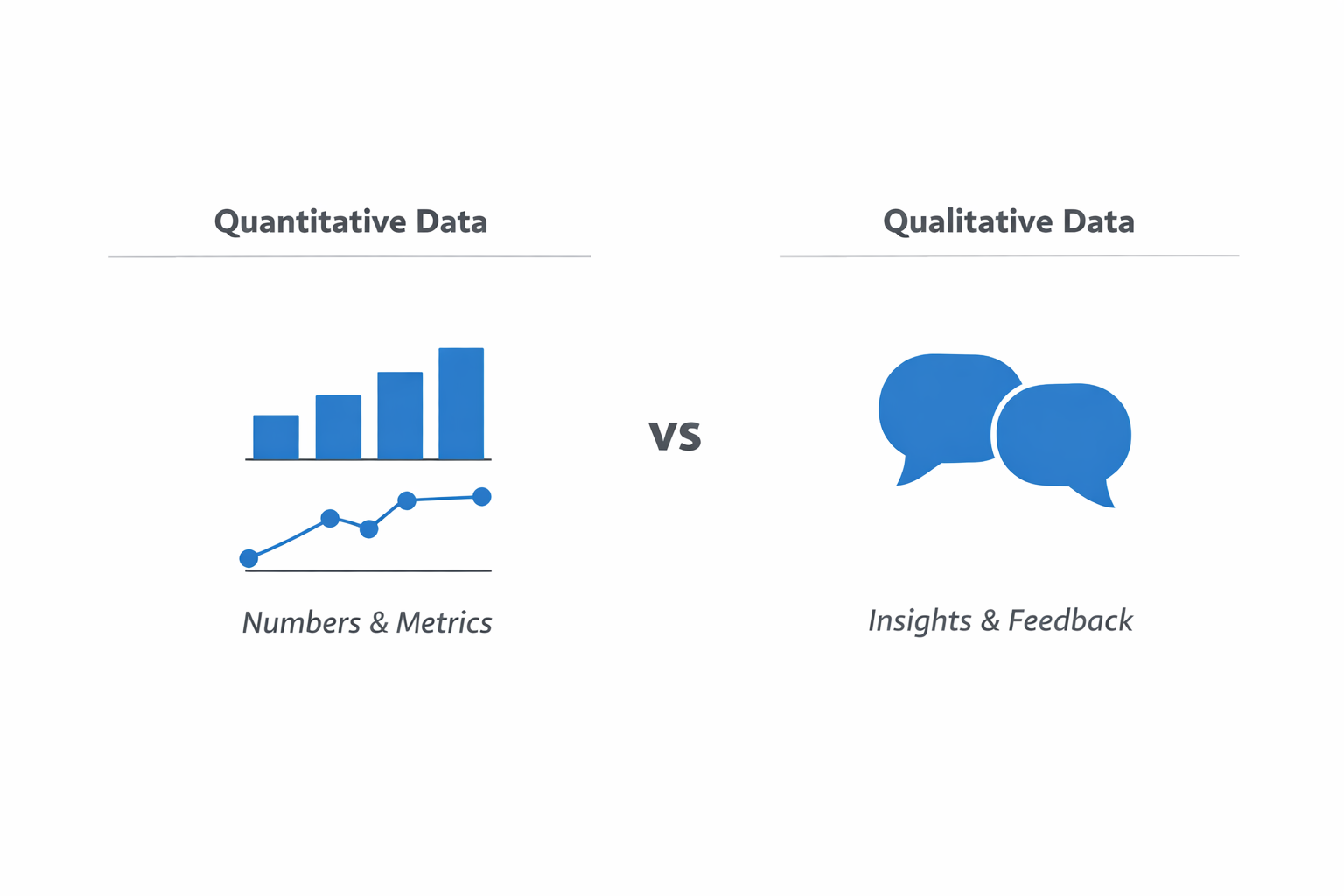
Quantitative data (numbers): This data shows what users are doing — where they drop off, how long they take on each step, which screens cause hesitation, and which actions they repeat.
Qualitative data (human insights): This data shows why users behave that way — what confuses them, what they expect, what feels difficult, and which steps don’t match their mental model.
When you put both types of data together, you get a full picture of what’s really happening inside your product.
Why this matters:
If you rely only on guesses or assumptions, you’ll miss the real root causes of user frustration. Understanding actual user behaviour helps you fix the right problems, not the ones you think exist. It removes the guesswork and replaces it with clear evidence.
4. You clearly see what’s causing friction in the user journey
Once you’ve mapped the real user flow and looked at actual behavior, friction points become much easier to spot. These are the moments where users pause, get confused, make mistakes, or simply lose the motivation to continue. And most of the time, these issues are not obvious until you look closely.
Friction can come from many places — unclear buttons, too many steps, complicated forms, unexpected screens, or even slow-loading pages. Sometimes users get stuck because an error message doesn’t tell them what to do next.
Other times, they get distracted by elements that pull them away from the main task. When you examine the flow carefully, you start to recognise these patterns.
Why this matters:
Even small moments of confusion can cause users to drop off. When users stop to think, hesitate, or feel unsure, the experience becomes harder than it needs to be. Identifying these friction points helps you understand exactly where the journey breaks down and why users leave.
5. You can prioritise what to fix instead of trying to fix everything
Once you’ve identified all the friction points in your user journey, it can feel overwhelming. There might be several issues, and not all of them are equally important. This is where a user-flow audit becomes extremely valuable — it helps you decide what to fix first, what can wait, and what may not need attention at all.
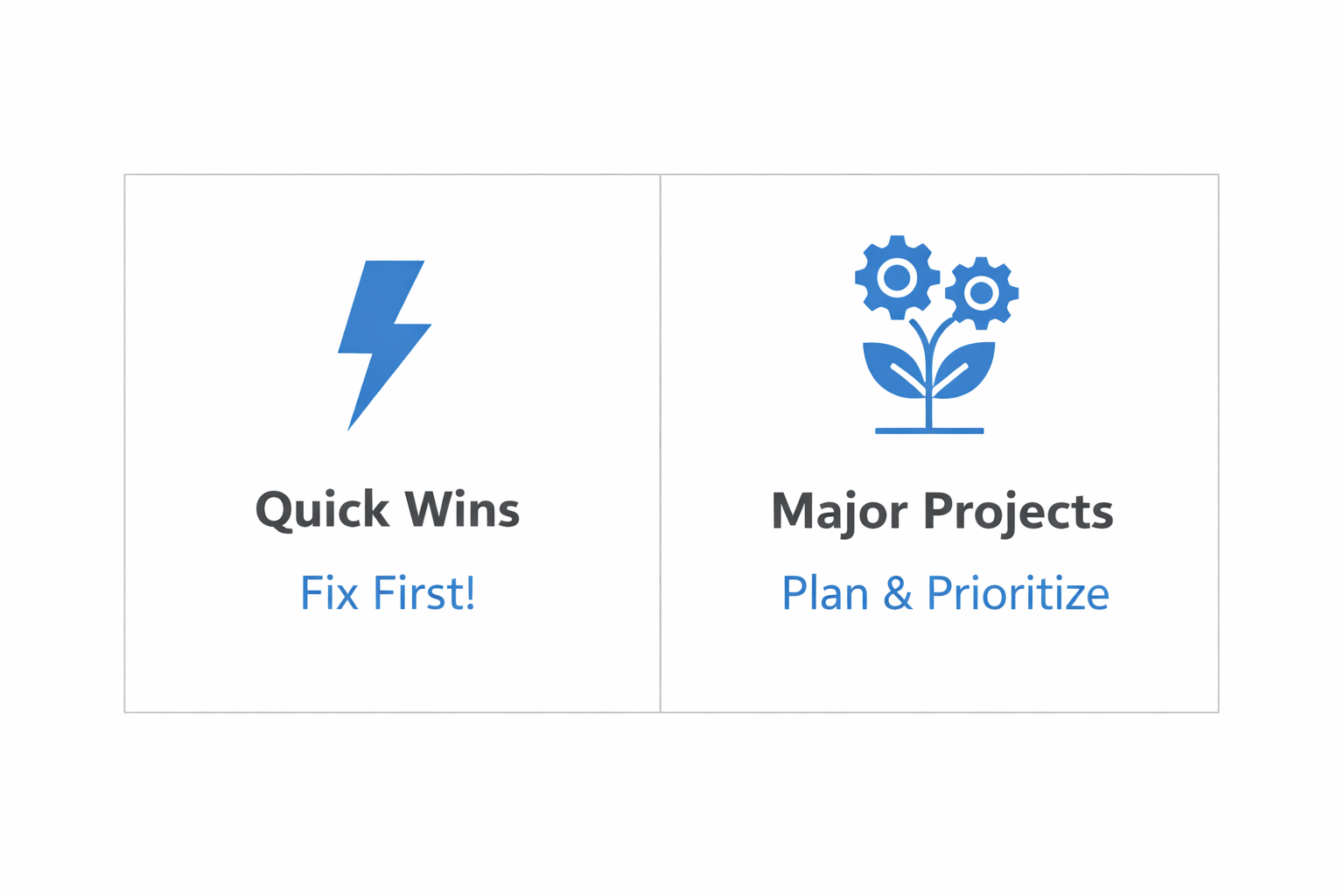
A user-flow audit lets you sort issues into realistic categories. Some problems are quick wins that take very little time to fix but can significantly improve the experience. Others may require more planning, time, and effort, but deliver only minor benefits.
By grouping issues by effort and impact, you avoid wasting time on small things that don’t matter or big projects that won’t change much. Instead, you focus on the improvements that actually move the needle and make a noticeable difference for users.
Why this matters:
Not all problems deserve equal attention. Without prioritisation, teams often spend time fixing things that don’t change user behaviour or conversion at all. A User-flow audit ensures your time and resources go toward changes that truly improve the user experience and solve the most important issues first.
6. You redesign the flow with confidence — and test it before going live
After you’ve identified the problems and chosen what to fix, the next step is improving the flow. But instead of redesigning based on assumptions or personal preferences, a user-flow audit gives you real evidence to guide your changes.
Once the updated flow is ready, you don’t just launch it and hope for the best. You test it — through prototypes, usability sessions, or A/B tests — to see how users actually respond. These tests show whether the new flow feels clearer, faster, and more intuitive, or if there are still steps that need fine-tuning. This reduces the risk of introducing new problems while trying to solve existing ones.
Why this matters:
Redesigning without validation is like guessing in the dark. Testing your improved flow ensures that your changes genuinely help users rather than create new confusion. It gives you confidence that the updated experience is truly better, more efficient, and easier for users to complete.
7. You build a habit of continuous improvement instead of doing one-time fixes
A common mistake teams make is treating UX improvements as a one-time project. They fix a few issues, update a flow, and then move on — assuming the problem is solved forever. But user behavior changes, product features evolve, and new friction points appear over time. This is why user-flow audits shouldn’t be a “set it and forget it” activity.
By auditing your user flows regularly, you develop an ongoing habit of checking how users are moving through your product. You keep an eye on drop-off rates, time to complete tasks, and common errors. You also update your flow diagrams whenever new features or steps are added, so the team always has a clear picture of how the journey actually works.
Why this matters:
A product that once felt smooth can slowly become confusing as it grows. Regular audits help you catch new problems early, before they start affecting large numbers of users. This creates a culture where the team is always looking for small ways to remove friction and make the experience better.
Over time, this mindset leads to a consistently cleaner, clearer, and more intuitive product — not because of one big redesign, but because of many ongoing improvements.